
Creating AI Illustrations
Adding illustrations to your story can take it from 99% to 100%.
In this guide, we’ll show you how to add images to your stories, and talk about best tips for creating great looking illustrations every time.
Getting started
To get started, open up a project in the editor. Story Scribbler uses a block-based editor, which means each paragraph and image can be edited separately.
To add an image, hover over a paragraph and add a new block with the + button. From the menu, select “paint with AI” - this will open a popup that will prompt you for some information about your image.
You can customise your image in two ways - using the preselected image styles, and by describing the image. Use a combination of both these settings to create the best images.
- Image styles are guidelines for the overall look of the image.
- The image description should be a detailed paragraph containing the major details of the image. By default the nearest paragraph above your image is copied here, but feel free to completely change this text if the description isn’t what you wanted.
All our images are created using DALL·E 3, created by Open AI. If you want to see some great examples of what can be created, get started at their home page at this link.
Top-tips
- If characters appear in the description, make sure their key attributes are described!
- Describe the scenery, including both foreground and background elements.
- Set the mood and art style - unguided the images will likely be in a realistic style with a positive energy, which won’t fit all stories!
- The same / similar description(s) will yield different results each time - sometimes the difference between a good and great image is an extra detail, or removing unnecessary passages of text.
For example:
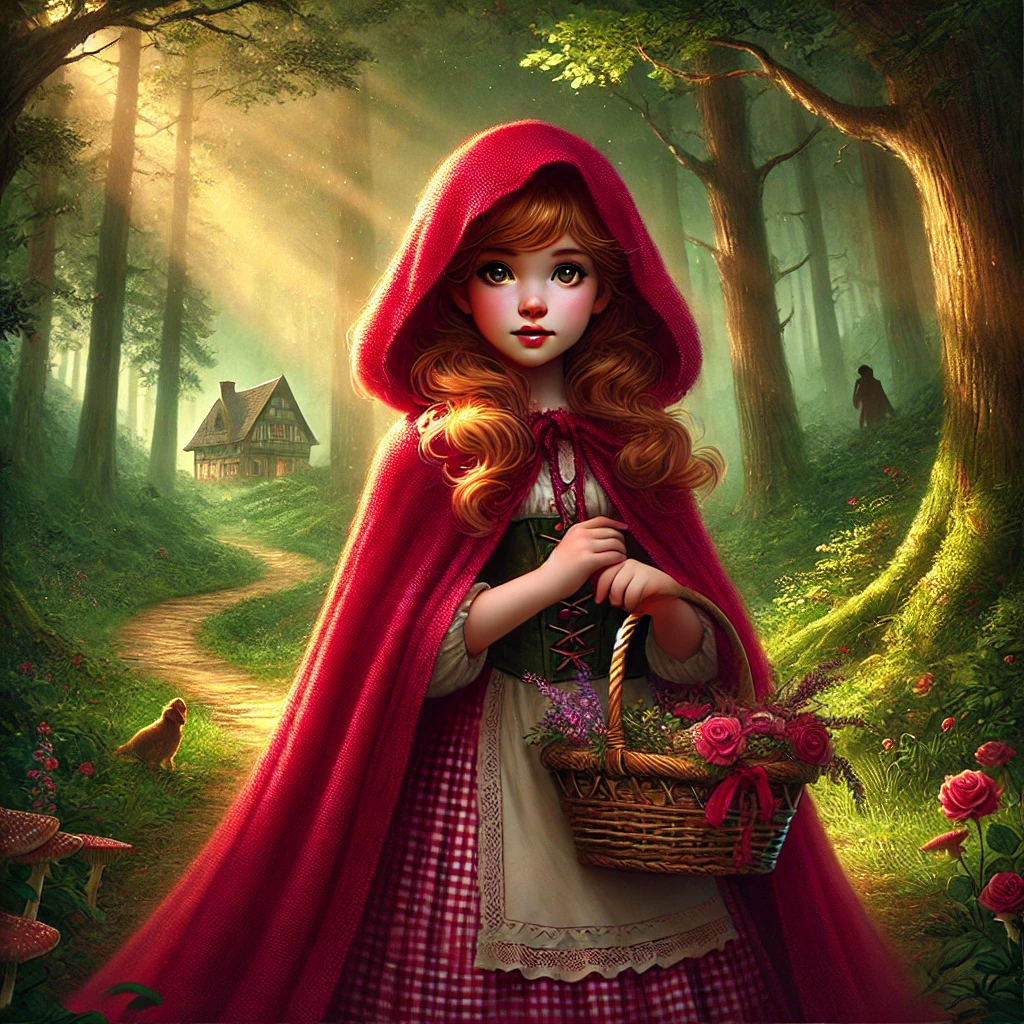
Little Red Riding Hood is a young girl. She wears a deep crimson hooded cloak that drapes down to her knees. Her golden-brown hair peeks out from under the hood, and she carries a wicker basket filled with flowers and treats. The forest around her is lush, with towering trees, dappled sunlight filtering through the leaves, and hints of shadowy figures in the distance, giving the scene a slight air of mystery. In the background, you can see a winding path leading to a cozy, distant cottage. The overall mood is a blend of innocence and adventure.
We can transform this description by changing a few key words to create a very different image:
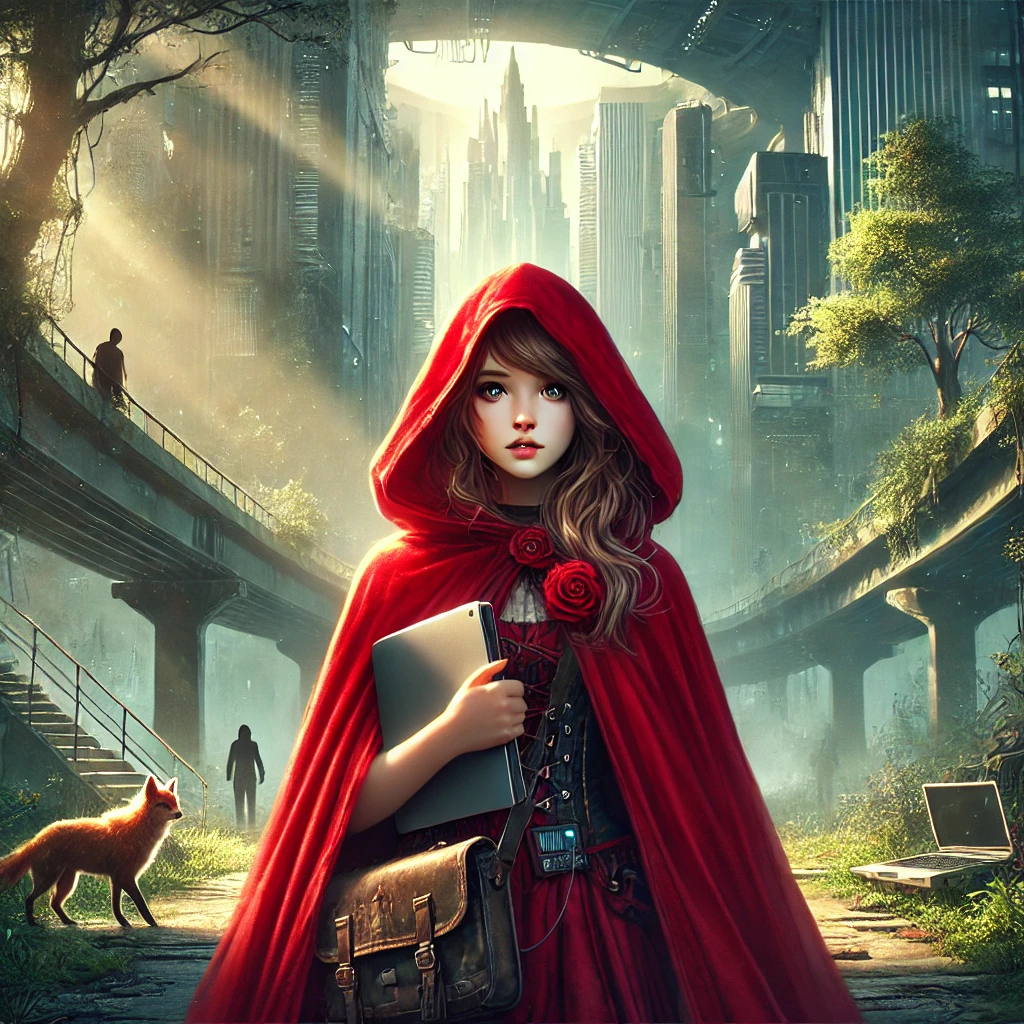
Little Red Riding Hood is a teenage girl. She wears a deep crimson hooded cloak that drapes down to her knees. Her golden-brown hair peeks out from under the hood, and she carries a satchel filled with a laptop and tech. The city around her is dystopian, with towering skyscrapers, dappled sunlight filtering through the sky dome, and hints of shadowy figures in the distance, giving the scene a slight air of mystery. In the background, you can see a winding path leading to a rundown, distant building. The overall mood is a blend of thrill and adventure.
Finally, creating good art with AI can be tricky! Try experimenting to work out what styles and descriptions work best - if you discover a new style or description you think other users would enjoy, contact us and we can add it to the app!